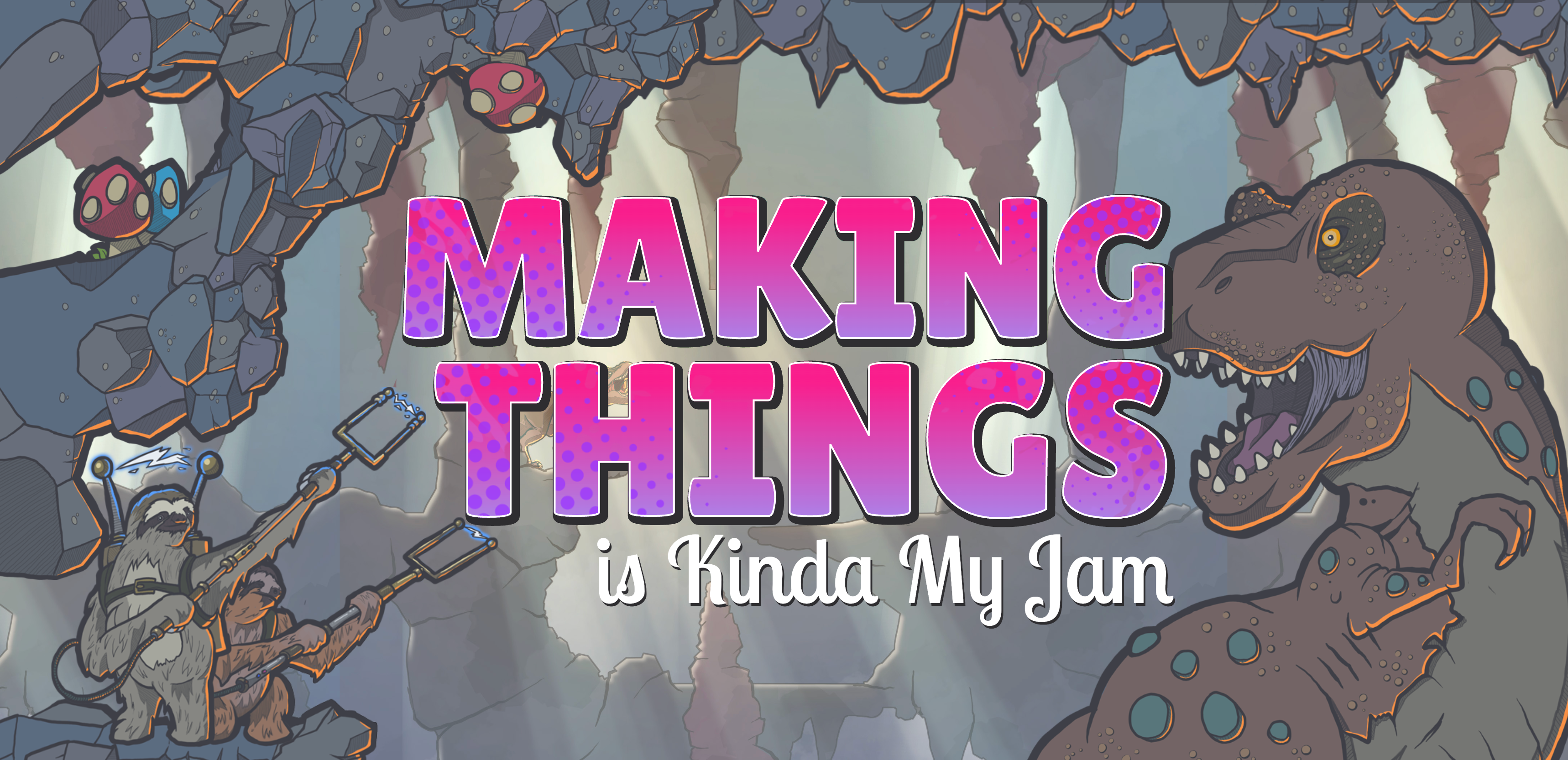
My site has a page dedicated to everything I make in my free time like side projects, illustrations, whatever I'm poking at outside of work. The original layout was a clean grid of square thumbnails, four columns wide. It worked, but it was flat. Every cell was the same size, so there was nothing pulling you further down the page. I wanted people to actually want to keep scrolling to see what's next.
The redesign goal was to break the grid open. Give cells different sizes and aspect ratios so the page has some rhythm instead of a uniform checkerboard, and make each thumbnail reveal itself in a way that feels a little alive.
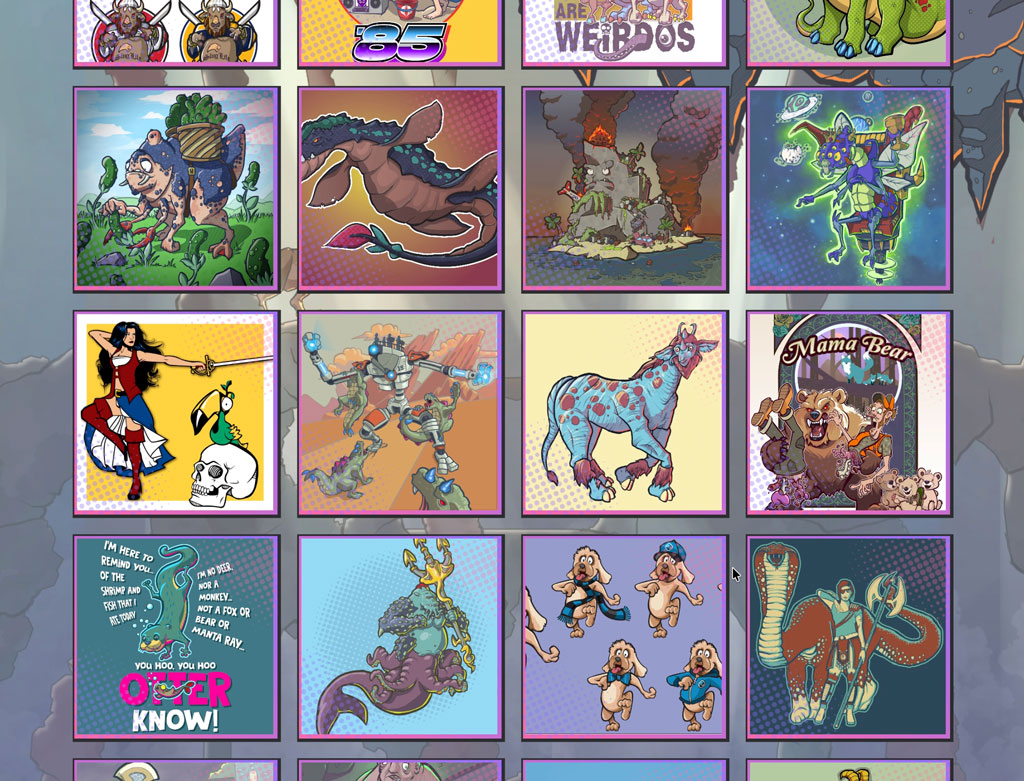
My personal gallery before the redesign was... fine.
Webflow's grid tools turned out to be the right fit for this. Instead of a rigid repeating pattern, you can define named areas within the grid and assign which image lives in which area. For example, a tall illustration can span two rows next to a couple of small square ones, and the whole thing reads as intentional rather than repetitive.
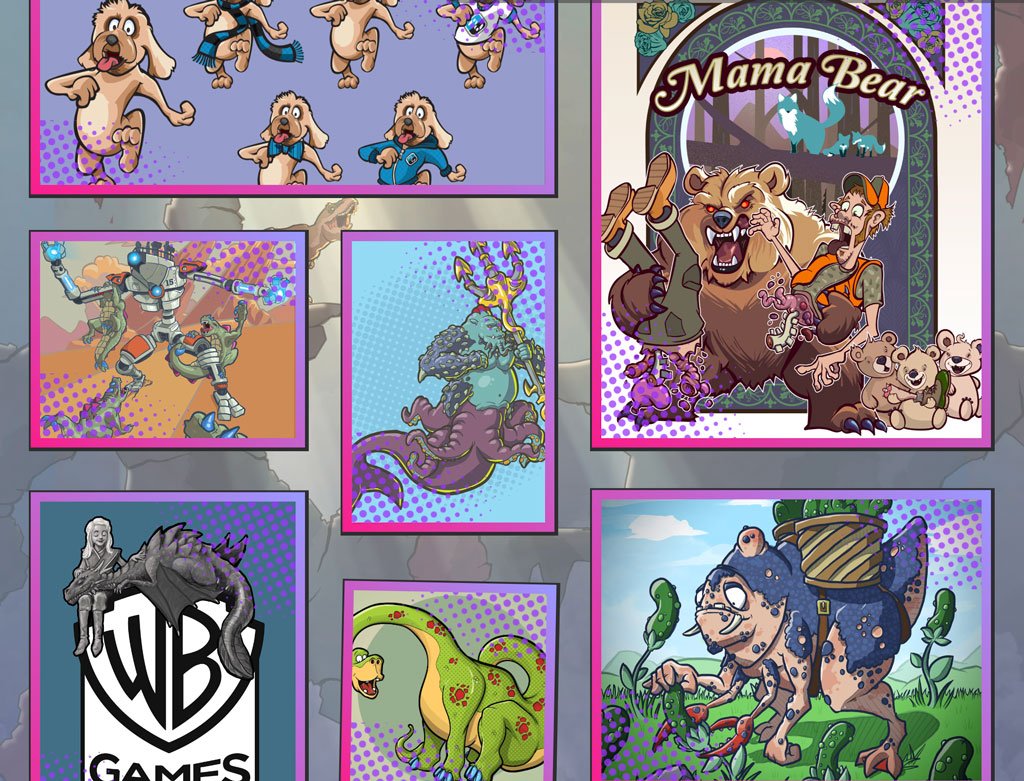
A little chaos makes life more interesting.
For the reveal, I already had an ink splatter Lottie that blooms outward from the center of the frame, uncovering whatever's behind it. It felt like the right amount of personality for a page that's supposed to feel alive and fluid.
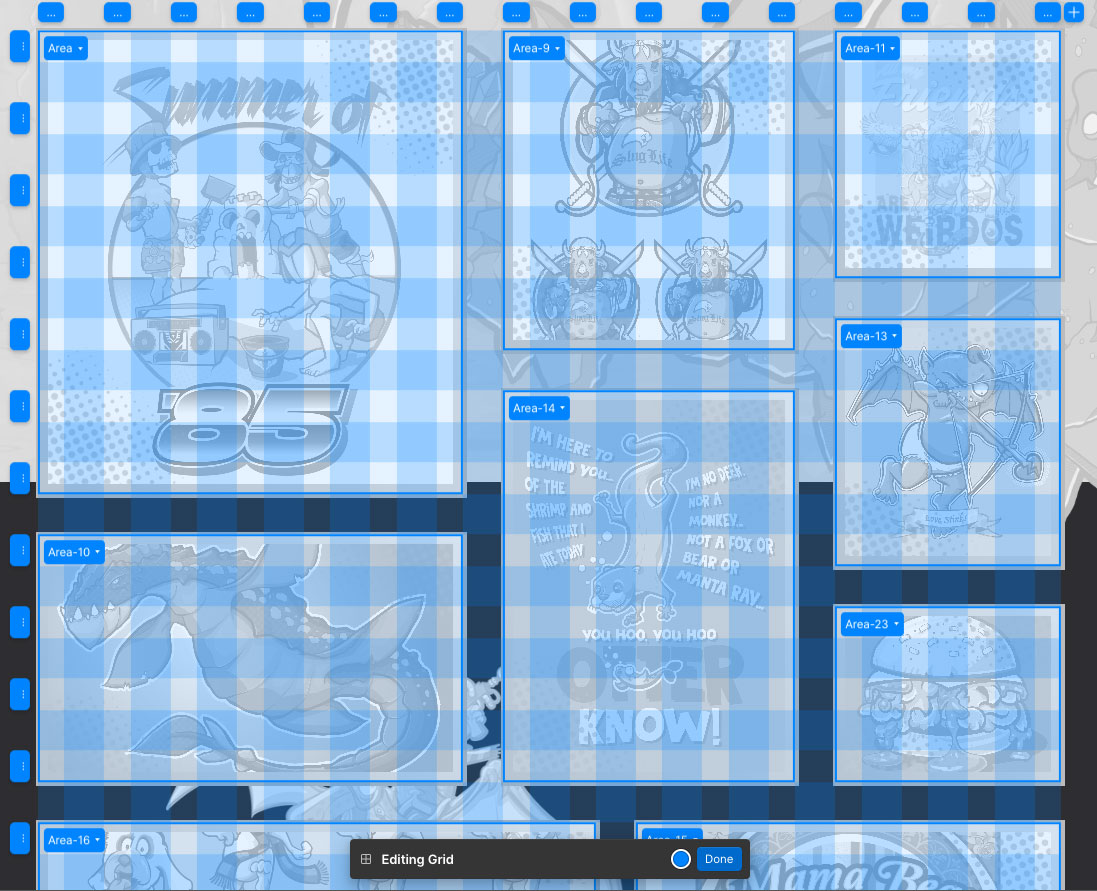
It was easy to build an asymetrical grid with Webflow's tools.
I built a scroll-triggered interaction that plays that splatter as each thumbnail enters the viewport, while the image itself starts slightly rotated and offset and settles into place as the animation plays. A subtle scale on the image on top of that gives the whole thing a little depth, like each piece is settling onto the page rather than just appearing. Because the grid layout was asymmetrical, it gave the animation a natural stagger, without needing to add animation delays to each object.